
The device is online but the picture stays black
An online device means the network is fine. The cause usually sits in lens obstruction, exposure settings, the illuminator or stream decoding.
The camera does not respond after power-up and no LED lights up
Separate a power fault from a cable fault and a device fault. Checking supply, cabling and the unit in that order is the fastest route.
IR night vision falls short of the rated distance
Rated IR range is a laboratory figure under ideal conditions. Real performance depends on beam angle, target reflectivity, weather and...
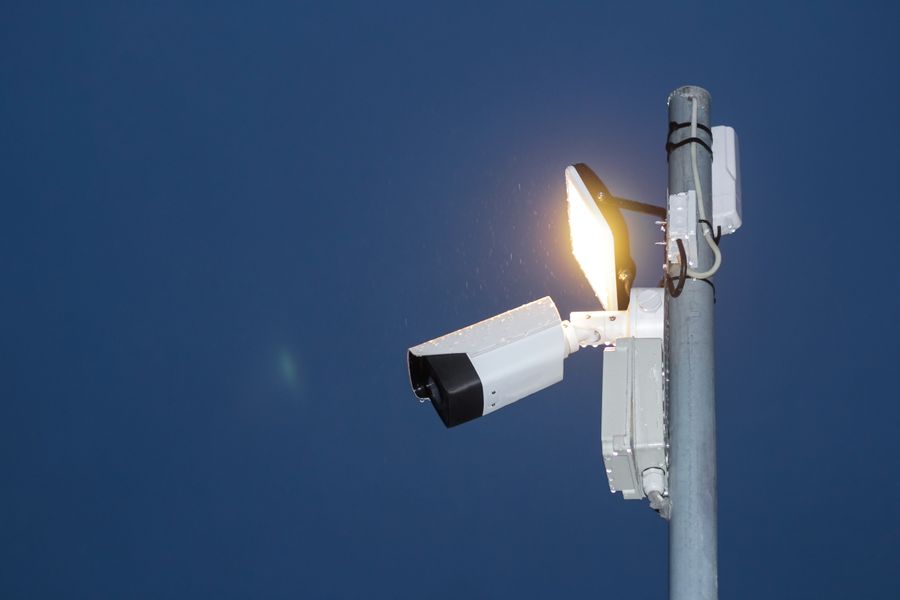
Night images wash out white or show bright glare patches
Infrared light bouncing back off nearby surfaces is the usual cause. Repositioning the camera and cleaning the lens and LED cover fixes it.
What can I do if I forget the camera or recorder password?
Mainstream devices can be reset through a registered phone number, security questions or a vendor tool. Repeated guessing only triggers...
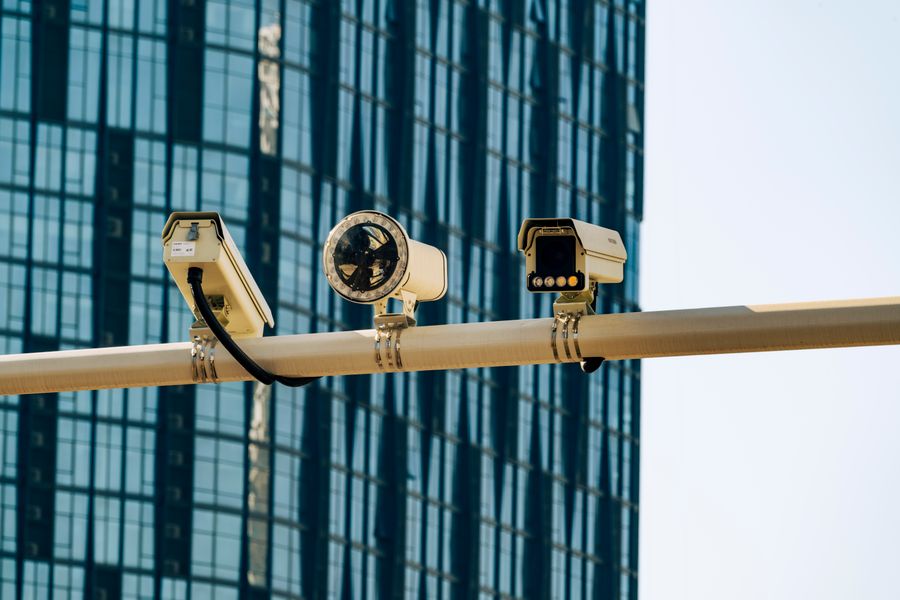
How to choose the right network camera for your project?
Quickly select the right camera model from the five dimensions of resolution, lens, night vision distance, protection level and power...
The recorder cannot discover the camera
Nine times out of ten it is a subnet mismatch or an IP conflict; protocol, credentials and switch port isolation come next.
The mobile app fails to add the device
Most failures are environmental or permission related: the phone is not on the same LAN, or the app lacks local-network access.
Viewing works on the LAN but not from outside
Remote failure usually comes down to cloud registration, NAT mapping, whether the line has a public IP, and upstream bandwidth.

Camera audio is noisy, humming or crackling
Supply ripple, ground loops or excessive gain are the usual causes. Fixing the power path and gain removes most of the noise.